Your device has no manual. Build one from the device itself.
Three photographs become an evidence-linked control map, a clickable digital twin, and safe workflows that improve when new evidence arrives.
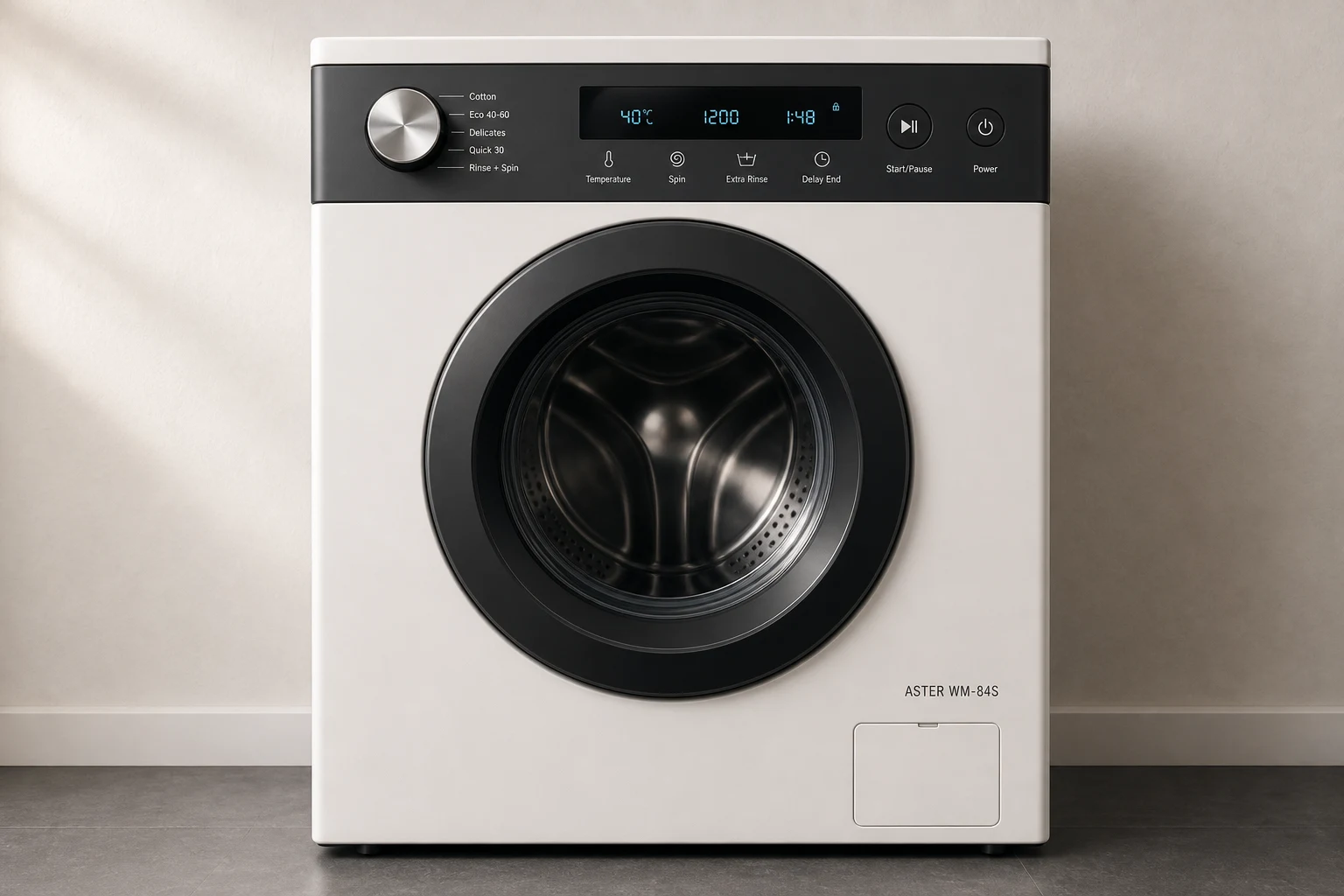
A guided capture, not a file dump
Three views give the model a place to stand.
The full device establishes context. The panel close-up grounds geometry. The label or difficult detail reduces identity and symbol ambiguity.
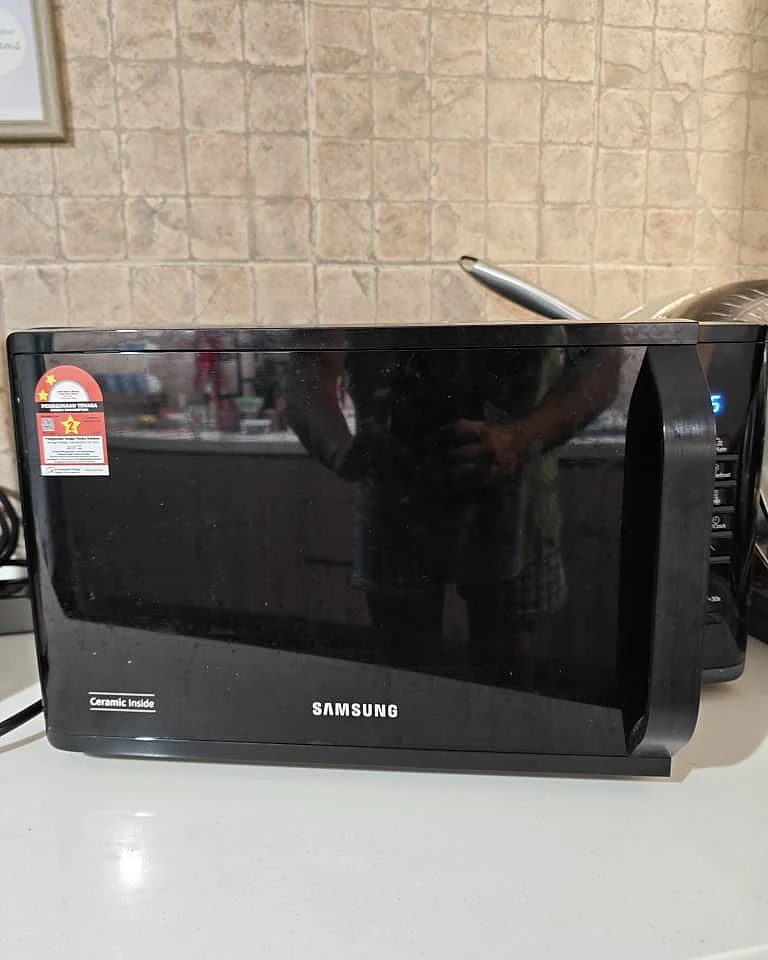 01
01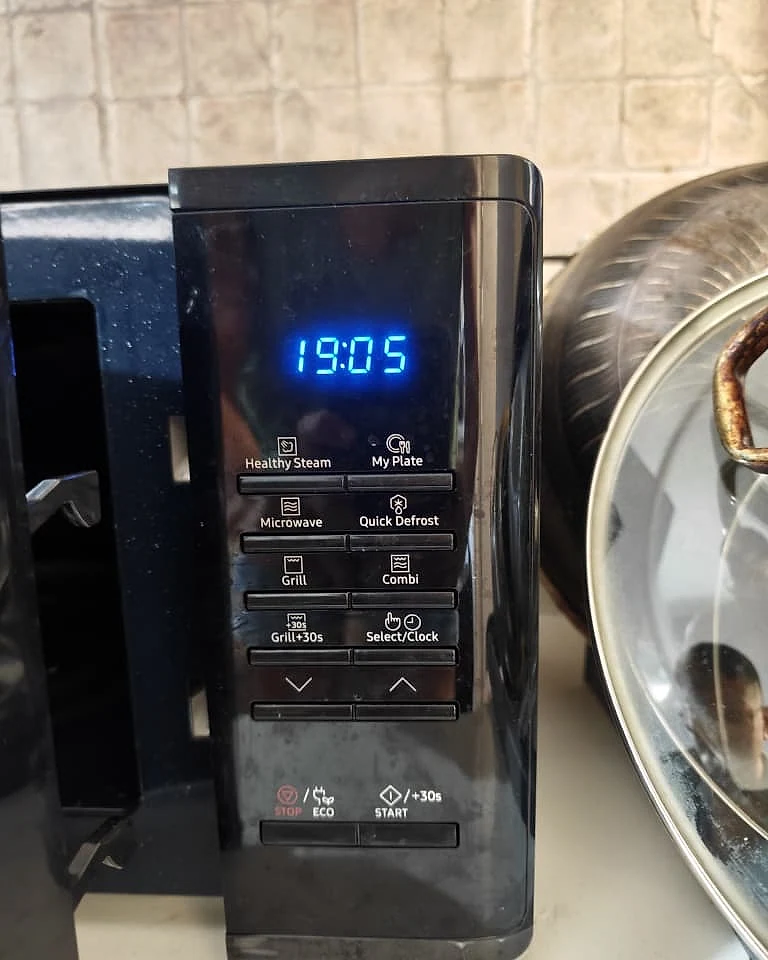 02
02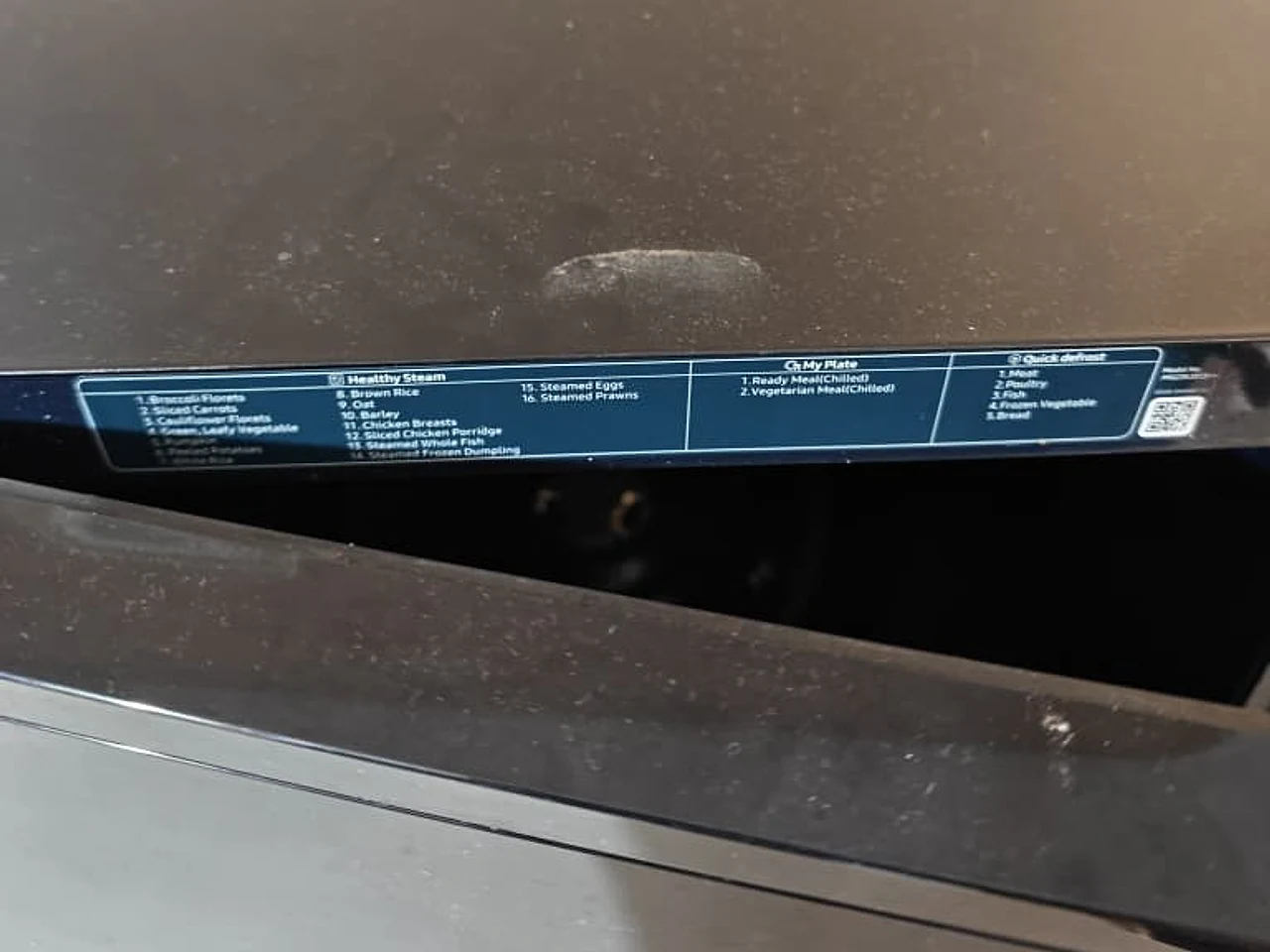 03
03- 1
Press Microwave
- 2
Choose power + time
- 3
Press Start/+30s
01 / FULL DEVICE02 / CONTROL PANEL03 / PROGRAM GUIDEBuilt from the three photos you added
Here’s the microwave guide those photos produce.
Choose a task to see the exact button path, the supporting photo, and the one safety check worth reading before you start.
Drag the idea around. Source views separate into a guide as you scroll.
MG23K3513 series
Samsung grill microwave
Pick what you want to do. The matching controls light up on the photo.Hover a guide to preview the exact buttons.
- 1
Put food in a microwave-safe dish at the centre of the turntable.
- 2
Press Microwave, then use Up / Down to choose the power level.
- 3
Press Select/Clock, then use Up / Down to set the time.
- 4
Press Start/+30s. Check the food before serving.
Never run the oven empty. Check the settings before leaving it unattended.
A useful question, right where it matters
One missing detail. One useful photo request.
The rest of the guide stays usable. If a bowl marking or symbol is unreadable, it asks for that detail, not another full scan and not a guess.
Most of your guide is already useful.
Review the few details that would make it even better without blocking everything you can use now.
Choose a detail to review
Missing accessorySteam bowl capacity
Healthy Steam is clear. The supplied bowl’s fill markings are outside all three frames.
Keep using every confirmed guide while you add this detail.The unforgettable moment
A clearer image rewrites only what changed.
Manual Zero proposes a restricted patch, raises or lowers confidence, explains the evidence, and leaves accepted facts intact.
Watch the revision happenCare option?
Extra Rinse or PrewashExtra Rinse
Basin-plus symbol resolved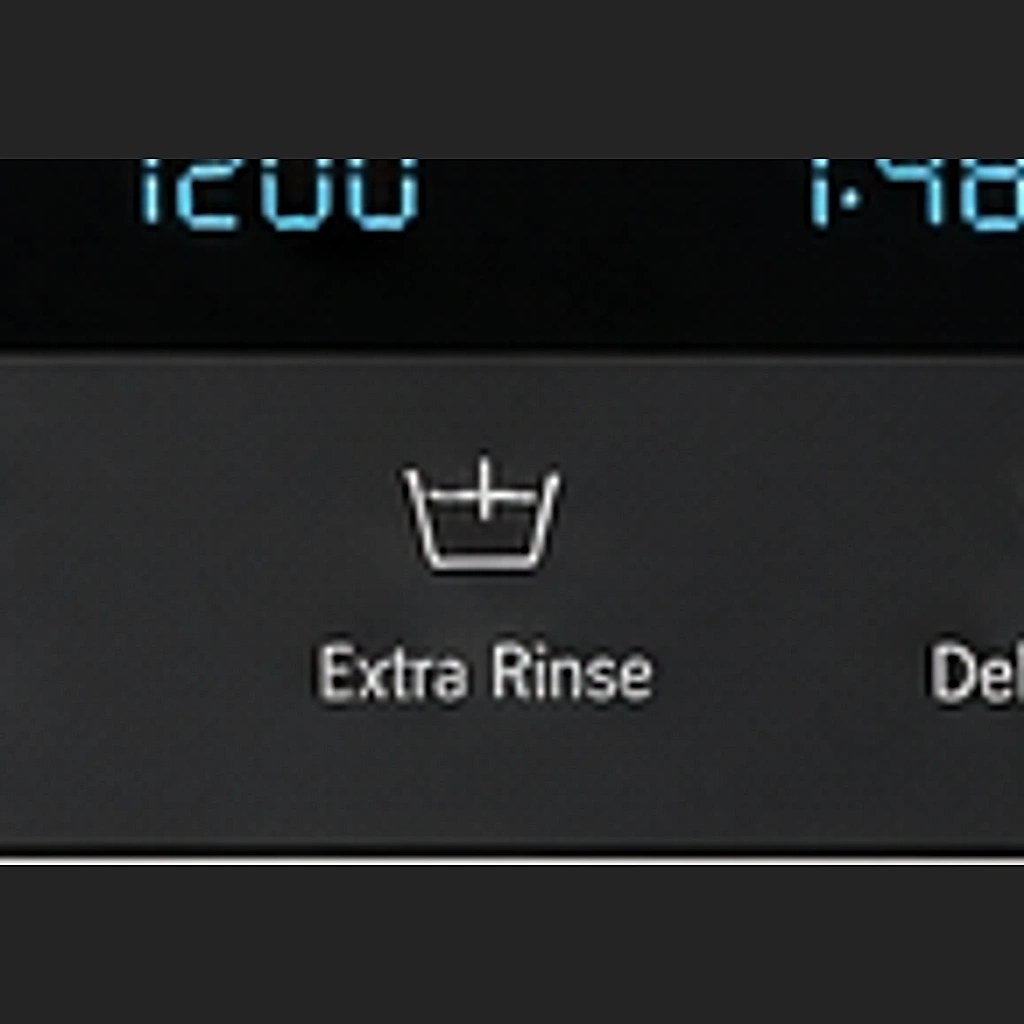
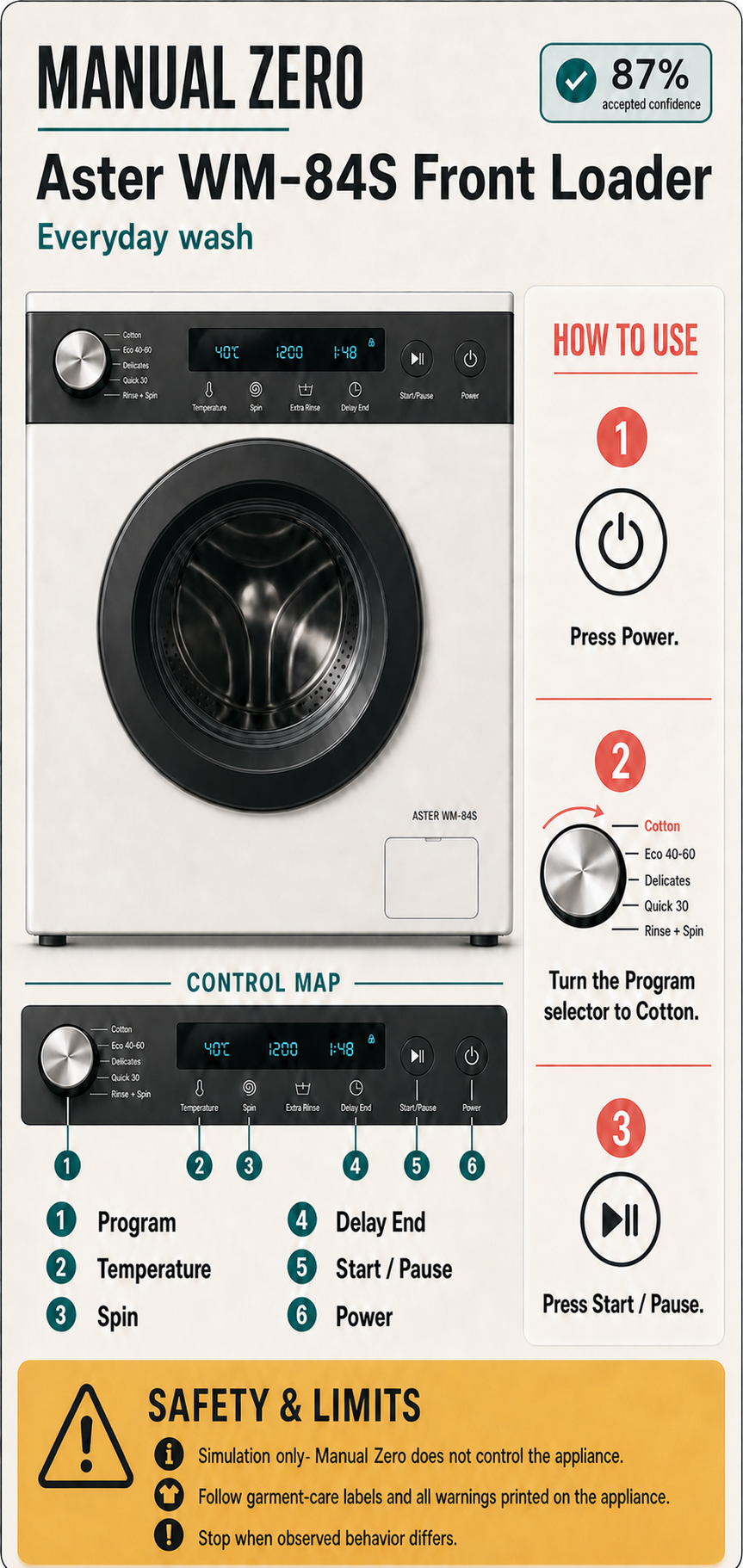
Generated from the accepted manual
A visual guide people can actually keep beside the machine.
The same control map, how-to sequence, and safety limits become a scan-friendly one-page infographic. The printable manual stays available as the exact source of truth.
The manual was missing. The evidence was not.